Wedding seating chart maker: from guest list to sign
Seating chart maker
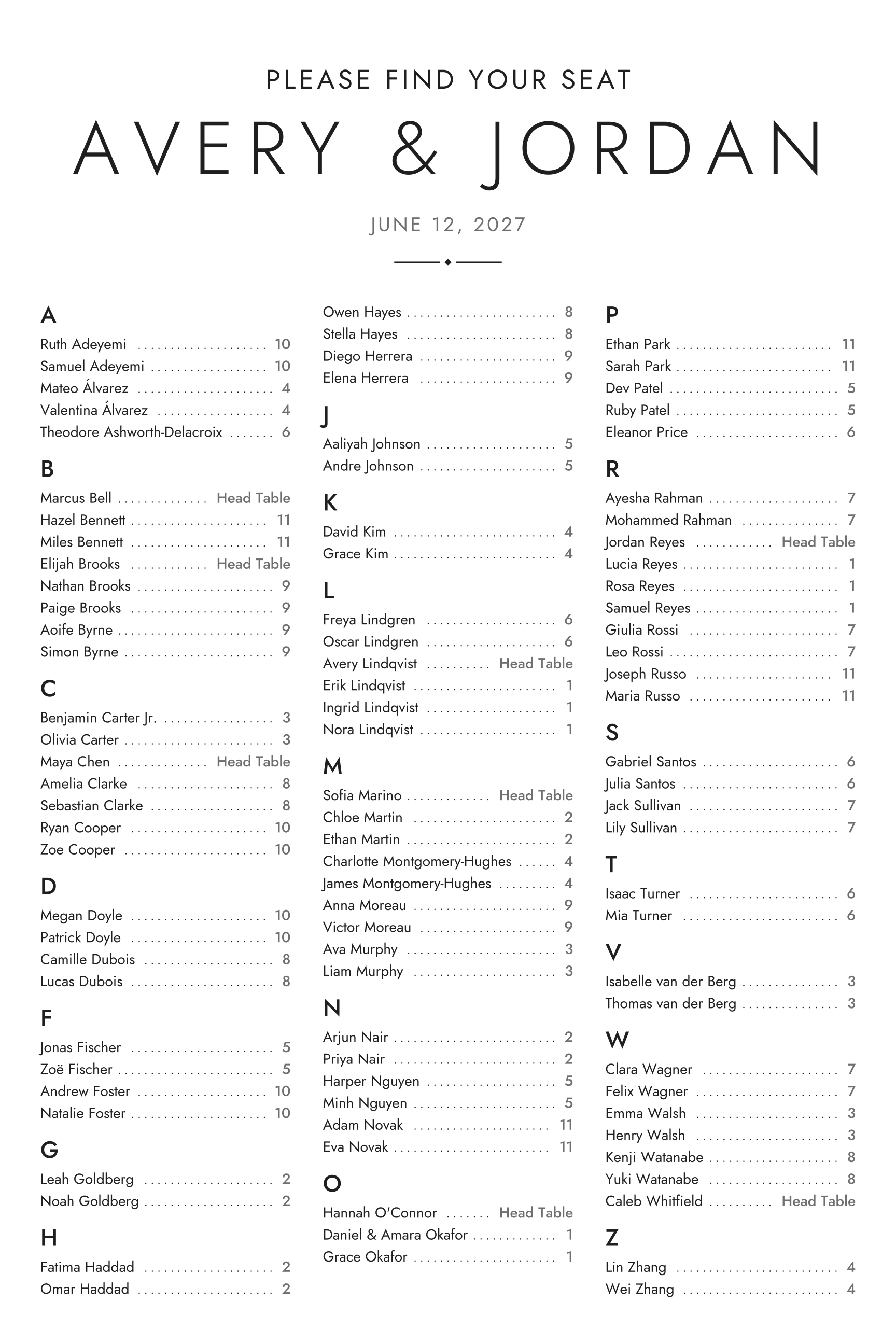
24×36 in
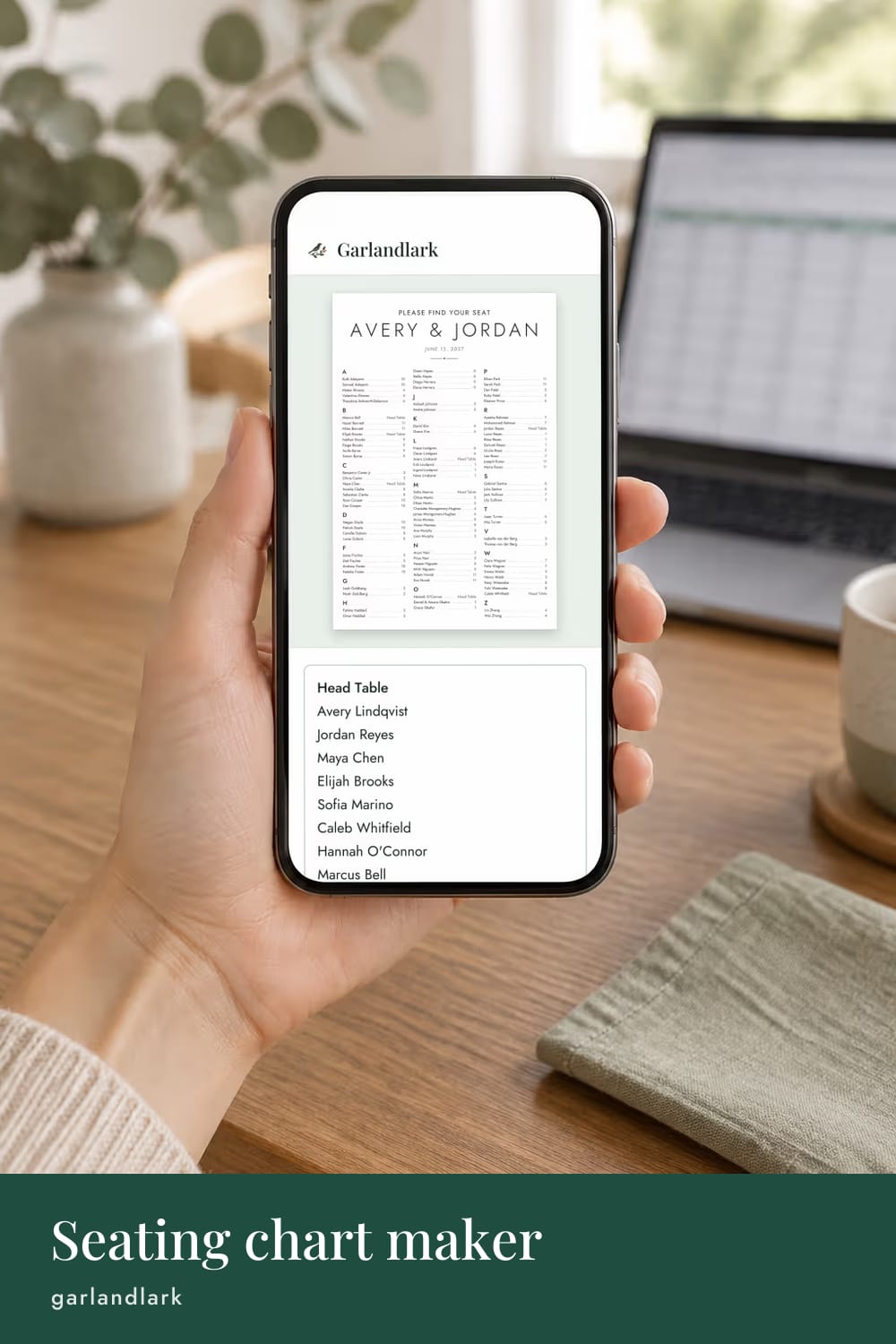
Garlandlark is a wedding seating chart maker that starts from the guest list you already have. Paste names and tables from a spreadsheet or your notes app, and it sorts the guests, checks the list and lays out a poster-size sign in six print sizes. The preview with your own names is free, and you pay once for the print files.
Three ways to paste your list
Copy your list the way it is. The maker reads two spreadsheet columns, three spreadsheet columns, or a note typed table by table.
Two columns: Name and Table
Select both columns in your spreadsheet, copy them and paste them into the list box. The maker reads the first cell of each row as the guest and the second as the table, and it skips the header row.
Name Table Priya Nair 2 Arjun Nair 2 Hannah O'Connor Head Table Daniel & Amara Okafor 1 Two columns copied from a spreadsheet: Name and Table. Three columns: First, Last, Table
The maker joins first and last name into one line for the sign and files each guest under the last name. Copy these three columns in this order, without the columns beside them.
First Last Table Isabelle van der Berg 3 Benjamin Carter Jr. 3 Charlotte Montgomery-Hughes 4 Mateo Álvarez 4 Three columns copied from a spreadsheet: First, Last and Table. A note, typed table by table
A line that says only Table 1, or a name such as Head Table, starts a table. Every name under it belongs to that table until the next table line.
Notes
Head Table Avery Lindqvist Jordan Reyes Maya Chen Table 1 Grace Okafor Samuel Reyes Table 2 Leah Goldberg Noah Goldberg
A note from a phone: one line for each table, the names below it.
Typing on your phone? Put one guest on each line and the table after a comma, like this: Priya Nair, 4.
What the maker checks for you
Under the list box, the maker shows how it read every line: the name, the letter it sorts under and the table. It flags five things there. Three have to be fixed before you can buy, because the sign would be wrong or unprintable. The other two are yours to decide.
Duplicates
To look at
The same name on two lines is flagged, even when the lines differ only in capitals or accents. Delete one line, or confirm that they are two people and both stay on the sign.
Guests without a table
To fix
A guest with no table can't go on a seating chart. Type the table into the check row, and the maker writes it into your list.
Tables with one guest
To look at
A table with a single guest is often a slip, such as 11 where 1 was meant. The maker points it out. If the table is right, leave it.
Very long names
To fix
Names of up to 60 characters fit. A long one is set a little smaller on the sign or runs onto a second line, and it is never cut off. Only a name over 60 characters has to be shortened.
Characters it can't print
To fix
Accented letters like the Á in Álvarez and the ë in Zoë print in every style. Emoji and letters from other alphabets, such as Chinese, Arabic, Hebrew or Cyrillic, don't. The check shows the character and removes it with one tap, or you write the name in Latin letters.
A line above the check keeps count while you type, for example: 96 guests, 12 tables, 1 to fix, 2 to look at. A list can have up to 300 lines.
What it does not do
This seating chart generator doesn't decide who sits with whom. It takes a finished seating plan, a list where every guest already has a table, and turns it into the sign.
Who shares a table and where the grandparents sit are decisions for you to make first, in your spreadsheet or on paper. After that, the sign takes a few minutes.
Garlandlark doesn't print or ship anything either. You download PDF and JPG files and take them to the print shop you choose.
Still working out the tables? How to make a wedding seating chart, step by step
Common questions
Alphabetical by last name is faster for guests once you have more than about 75 guests or 8 tables, because each guest looks for one thing: their own name. By table looks lovely for smaller weddings. You get both layouts with every order and can switch at any time.
18×24 inches suits up to about 120 guests, 24×36 inches is the comfortable choice from 120 to 250. Check the size of your easel or frame first. The size chooser tells you how large the names will print at each size.
Paste them from a spreadsheet or type them, one guest per line with the table after a comma, for example "Priya Nair, 4". Two or three spreadsheet columns work too. Or type "Table 1" on its own line and the names below it.
A print-ready PDF and a JPG of your sign in each of the six sizes, in both layouts, without the watermark. With the Reception bundle you also get table number cards, place cards and a welcome sign.
Yes. For 60 days the link in your order email opens your sign again. Change a line, download again, pay nothing.
At any shop that prints posters: office supply stores, shipping and copy centers, drugstore photo counters, local printers. Choose the same size as the file and ask them not to crop or resize. Many stores print the same or next day; ask yours.
Save it for later
Not printing yet? Save this picture to your wedding board and the pin brings you back to this page.